

Can You Still Be Tracked When Using a VPN? Here is the Truth
 Sharon
  2026.09.26
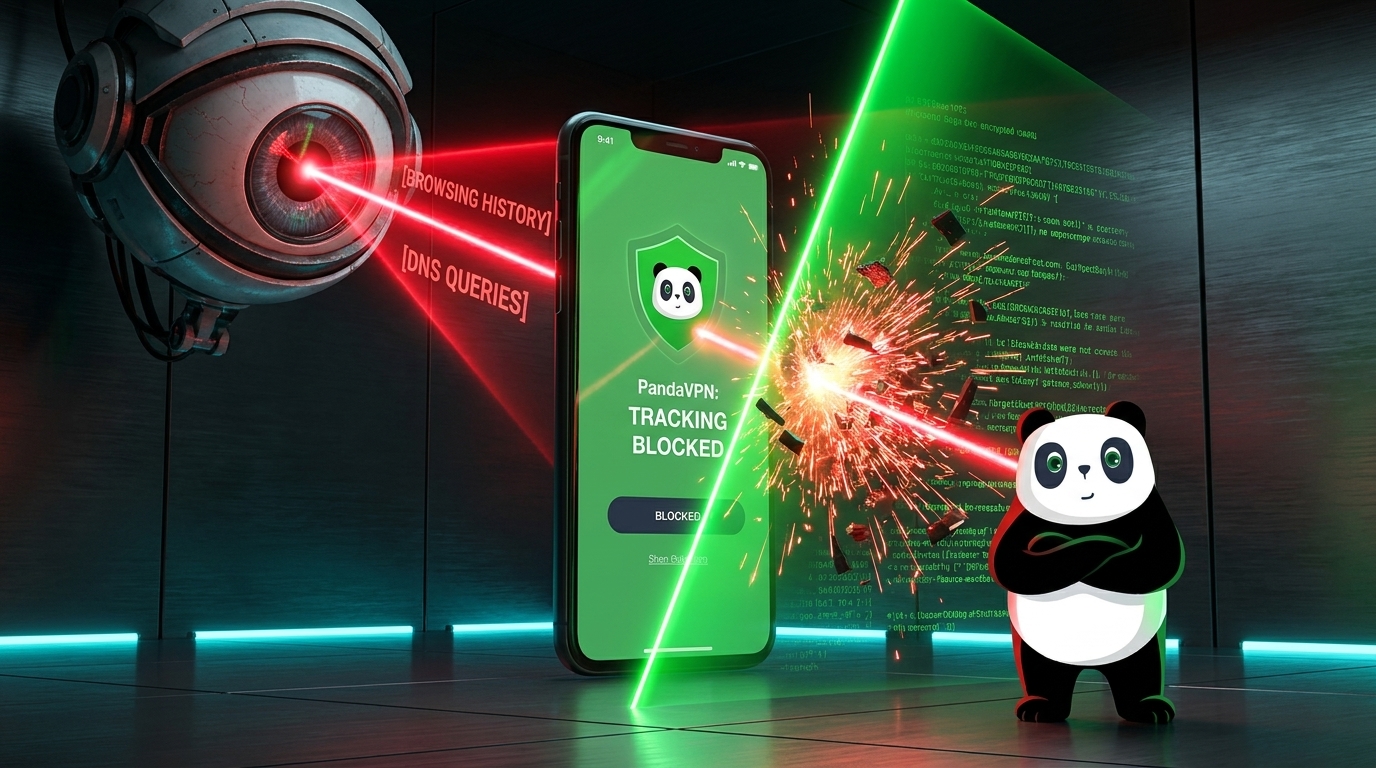
 A VPN is one of the most effective tools for improving your online privacy, but it does not make you completely invisible on the internet.
So, can you still be tracked when using a VPN?
The answer is yes, in some situations—but a VPN can significantly reduce the amount of information your ISP, network operators, and other third parties can observe about your connection.
A VPN works by encrypting your internet traffic and routing it through a remote VPN server. This hides your real IP address from the websites you visit and prevents your ISP from directly seeing the destinations and contents of traffic traveling through the encrypted VPN tunnel.
However, VPN protection has limits. Cookies, account logins, browser fingerprinting, and other tracking technologies can still identify you at the application level.
Understanding what a VPN actually protects—and what it doesn’t—is the key to using one effectively.

What Does a VPN Hide?
Without a VPN, your internet connection is directly associated with your ISP and your public IP address. Depending on your connection and DNS configuration, your ISP may be able to observe information such as the IP addresses you connect to, DNS requests, connection times, and traffic volume.
When you connect to a VPN, your traffic follows a different path:
Your Device → Encrypted VPN Tunnel → VPN Server → Internet
This changes what different parties can see.
Your Real IP Address
A VPN replaces your device’s public IP address with the IP address of the VPN server.
As a result, websites and online services you access through the VPN generally see the VPN server’s IP address rather than your actual public IP address.
This can help reduce IP-based tracking and prevent websites from easily determining your actual network location.
Your Internet Traffic
A VPN encrypts the connection between your device and the VPN server.
This means your ISP or someone monitoring the network cannot simply inspect the contents of the VPN tunnel as ordinary readable internet traffic.
This is particularly useful when connecting through networks you don’t fully trust, such as public Wi-Fi.
Your DNS Requests
DNS is responsible for translating domain names such as example.com into IP addresses. DNS requests can therefore reveal information about the domains your device is attempting to access.
PandaVPN is designed to route DNS requests through the VPN connection, helping prevent your DNS activity from being exposed directly to your ISP.
Can Your ISP Still Track You When Using a VPN?
Your ISP can still see that your device is connected to a VPN server. It may also be able to observe connection metadata such as when a connection is active and how much data is being transferred.
What changes is what your ISP can learn from that connection.
Instead of directly observing connections to every website you access through the VPN, your ISP primarily sees an encrypted connection between your device and the VPN server.
For example:
Without VPN:
Your Device → ISP → Website
With PandaVPN:
Your Device → ISP → Encrypted PandaVPN Tunnel → PandaVPN Server → Website
The ISP remains your internet connection provider, but the VPN adds an encrypted layer between your device and the destinations you access.
How PandaVPN Helps Reduce Online Tracking
Not every VPN provides the same level of privacy or performance. PandaVPN combines several technologies designed to protect your network connection while keeping everyday browsing fast and convenient.
Advanced ECC Encryption
PandaVPN uses Elliptic Curve Cryptography (ECC) as part of its security technology.
ECC can provide strong cryptographic security while using relatively small key sizes, making it well suited to modern devices and efficient network communication.
When PandaVPN is connected, your traffic is protected inside an encrypted VPN tunnel, making it much harder for network observers to inspect the contents of your connection.
IP Masking with a Global Server Network
PandaVPN provides access to 6,000+ servers across 100 countries, allowing users to connect through different VPN locations around the world.
Once connected, websites see the VPN server’s IP address instead of your original public IP address.
This can help reduce IP-based profiling, conceal your network’s approximate geographic location, and provide greater flexibility when accessing international online services.
Privacy-Focused No-Logs Policy
A VPN doesn’t provide much privacy if your provider maintains a detailed record of everything you do online.
PandaVPN follows a No-Logs policy focused on protecting users’ online privacy. Browsing activity and DNS queries are not intended to be maintained as a detailed history of your internet usage.
This creates an important distinction between using a VPN and simply shifting your internet activity from your ISP to another network provider.
DNS Protection
PandaVPN helps protect DNS requests by routing them through the VPN connection.
This reduces the risk of DNS requests being handled directly by your ISP and adds another layer of privacy between your device and the websites you access.
Kill Switch Prevents Accidental Exposure
Even a VPN connection can occasionally drop due to network instability.
If your device automatically reconnects to the normal internet connection after a VPN disconnect, some traffic could potentially bypass the VPN.
PandaVPN’s Kill Switch is designed to block internet traffic when the VPN connection is interrupted, helping prevent accidental exposure of your real IP address or unprotected traffic.
High-Speed Infrastructure
Privacy should not require sacrificing your everyday internet experience.
PandaVPN combines its security technology with 10Gbps ultra-fast servers, optimized network routes, and patented acceleration technology to help maintain stable and responsive connections.
This makes the VPN suitable for everyday browsing as well as streaming, gaming, downloading, and other bandwidth-intensive activities.
Can Websites Still Track You with a VPN?
Yes.
A VPN protects your network connection, but it does not automatically disable every tracking technology used by websites and apps.
For example, websites may still recognize you through:
- Account logins: If you sign into Google, Facebook, Amazon, or another account, the service knows which account is using it.
- Cookies: Websites can use cookies and similar technologies to remember users and their activity.
- Browser fingerprinting: Information about your browser, device, screen configuration, and other characteristics can sometimes be combined to identify or distinguish a user.
- App-level identifiers: Mobile apps and other software may use their own identifiers and tracking mechanisms.
- Personal information: If you voluntarily provide your name, email address, phone number, or other identifying information, a VPN cannot erase that information.
For this reason, it is more accurate to think of a VPN as a privacy and security layer, rather than a tool that makes you completely anonymous.
Can Your VPN Provider Track You?
Potentially, yes—which is why choosing a VPN provider matters.
When you use a VPN, your traffic is redirected through the VPN provider’s infrastructure. The provider therefore becomes an important part of your privacy model.
This makes several factors worth considering before choosing a VPN:
Does the provider have a clear No-Logs policy?
What information does the service collect?
How is traffic protected while traveling through the VPN tunnel?
Does the VPN provide features such as DNS protection and Kill Switch?
Does the provider operate a reliable and secure server network?
PandaVPN is designed around these privacy considerations, combining encrypted tunneling, IP masking, DNS protection, Kill Switch functionality, and a privacy-focused No-Logs approach.
Does a VPN Make You Completely Anonymous?
No.
A VPN can hide your real IP address and encrypt traffic between your device and the VPN server, but it cannot eliminate every possible method of online identification.
Think of it this way:
VPN protection = network privacy + IP masking + encrypted traffic
Online anonymity = much broader and requires managing multiple sources of identification
If you want stronger overall privacy, combine a VPN with good browser privacy practices, strong account security, careful cookie management, and responsible handling of personal information.
How to Reduce Tracking While Using a VPN
For stronger privacy, consider these additional practices:
Keep Your VPN Connected
Using PandaVPN consistently is more effective than turning it on only occasionally. This helps ensure that your internet traffic is routed through the VPN whenever you are connected.
Use the Kill Switch
Enable the Kill Switch when you don’t want your device to automatically fall back to an unprotected connection if the VPN disconnects.
Review Browser Privacy Settings
Limit unnecessary cookies, third-party tracking, and browser permissions. Consider using privacy-focused browser settings where appropriate.
Be Careful with Account Logins
A VPN cannot hide your identity from a service when you voluntarily sign into your personal account.
If you want to reduce account-based tracking, review which services you remain logged into and what information you share.
Avoid Untrusted Networks
Public Wi-Fi can expose users to additional security risks. Using a VPN on untrusted networks adds encryption between your device and the VPN server, helping protect your traffic from local network observers.
The Bottom Line: Can You Still Be Tracked with a VPN?
Yes—but a VPN can make network-level tracking significantly more difficult.
PandaVPN hides your real IP address, encrypts your internet traffic, helps protect DNS requests, and provides a Kill Switch to reduce the risk of accidental exposure.
Its 6,000+ servers across 100 countries, 10Gbps ultra-fast infrastructure, ECC-based security technology, and patented acceleration technology are designed to provide privacy without turning your internet connection into a slow or complicated experience.
At the same time, it’s important to understand that a VPN is not an anonymity guarantee. Websites can still identify you through account logins, cookies, browser fingerprinting, and other application-level technologies.
The goal of a good VPN is not to promise that you become invisible.
The goal is to give you greater control over who can see your internet traffic, where your connection appears to originate, and how much information your network connection exposes.
With PandaVPN, you can add a powerful privacy layer to your everyday internet connection—whether you’re browsing at home, using public Wi-Fi, streaming content, or connecting to services around the world.