

Do You Really Need a VPN on Your Phone? Why Mobile VPN Protection Matters
 Sharon
  2026.09.14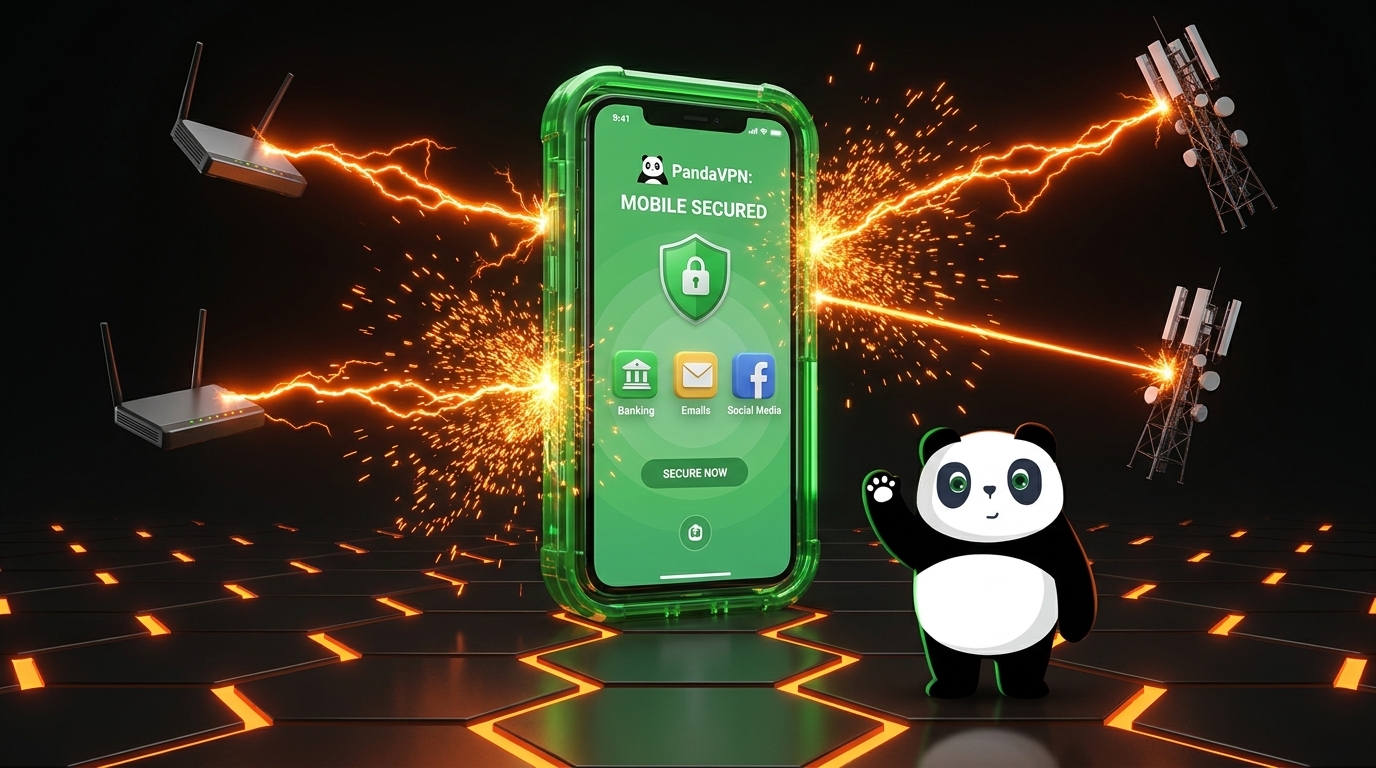
Your smartphone is probably the device you use most every day. You use it to check emails, access banking apps, shop online, watch videos, play games, manage social media, and communicate with friends and family. In other words, your phone carries a huge amount of personal and sensitive information.
But every time your phone connects to the internet, your data travels through a network that you may not fully trust. This is especially important when you connect to public Wi-Fi at airports, hotels, cafes, restaurants, or other shared locations.
So, do you really need a VPN on your phone?
For many users, a VPN is a simple and practical way to add an extra layer of privacy and security to everyday mobile browsing. A reliable mobile VPN can encrypt your internet traffic, help protect your connection on untrusted networks, reduce exposure of your real IP address, and provide more flexibility when accessing online content.
With its high-speed infrastructure, advanced protocols, and mobile-friendly apps, PandaVPN is designed to provide secure and smooth internet access wherever you use your phone.

Why Your Smartphone Needs Extra Online Protection
Unlike a desktop computer that may stay on a trusted home or office network, your smartphone constantly moves between different connections. One moment you may be using your home Wi-Fi, and the next you could be connected to a hotel network, airport hotspot, or mobile network.
This constant switching creates additional privacy and security considerations.
Public Wi-Fi Can Put Your Data at Risk
Public Wi-Fi is convenient, but you often have little control over how secure the network is or who else is connected to it. Poorly secured networks can expose users to various network-based attacks, including attempts to intercept or manipulate unprotected traffic.
A VPN creates an encrypted connection between your device and the VPN server, making it much harder for third parties on the same network to inspect your internet traffic.
This is particularly useful when accessing websites, checking email, shopping online, or using other services while connected to unfamiliar Wi-Fi.
Your IP Address Reveals Your Network Location
Every internet connection has an IP address that can provide information about your network and approximate location. Websites and online services can use your IP address as part of their systems for identifying and delivering content to users.
A VPN routes your internet traffic through a VPN server, replacing your normal public IP address with the server’s IP address. This can help reduce direct exposure of your real IP address while you browse the internet.
Mobile Networks and Online Services Have Different Restrictions
The content and services available to you can vary depending on your location and network. Streaming platforms, websites, gaming services, and other online resources may use regional restrictions or network-level controls.
A VPN allows you to connect through servers in different locations, giving you greater flexibility when accessing global online services where permitted.
How PandaVPN Protects Your Phone
A VPN is only useful if it can provide both protection and a reliable connection. PandaVPN combines security features with a high-performance global network to make mobile VPN use practical for everyday browsing, streaming, and gaming.
Advanced Encryption for Safer Connections
PandaVPN uses modern cryptographic technologies and secure VPN protocols to protect data traveling between your device and the VPN server.
Whether you are browsing on public Wi-Fi, accessing an online account, or sending private information, your traffic is protected through an encrypted VPN tunnel rather than being transmitted directly over an untrusted network.
PandaVPN supports advanced protocols including WireGuard and OpenVPN, giving users flexible options for balancing security, speed, and compatibility.
No-Logs Approach for Greater Privacy
A VPN should not simply move your internet traffic from your ISP to another company and leave you wondering what happens to your data.
PandaVPN follows a No-Logs policy, designed to keep your online activity private rather than creating unnecessary records of your browsing behavior and connection activity.
For users who care about digital privacy, this provides an important layer of confidence when using a VPN on a personal device.
High-Speed IPLC Infrastructure for Mobile Performance
One of the biggest concerns about using a VPN on a smartphone is speed.
A VPN can add an additional routing step to your connection, so network quality and server distance matter. PandaVPN addresses this with high-performance infrastructure, including IPLC (International Private Leased Circuit) lines and patented acceleration technology.
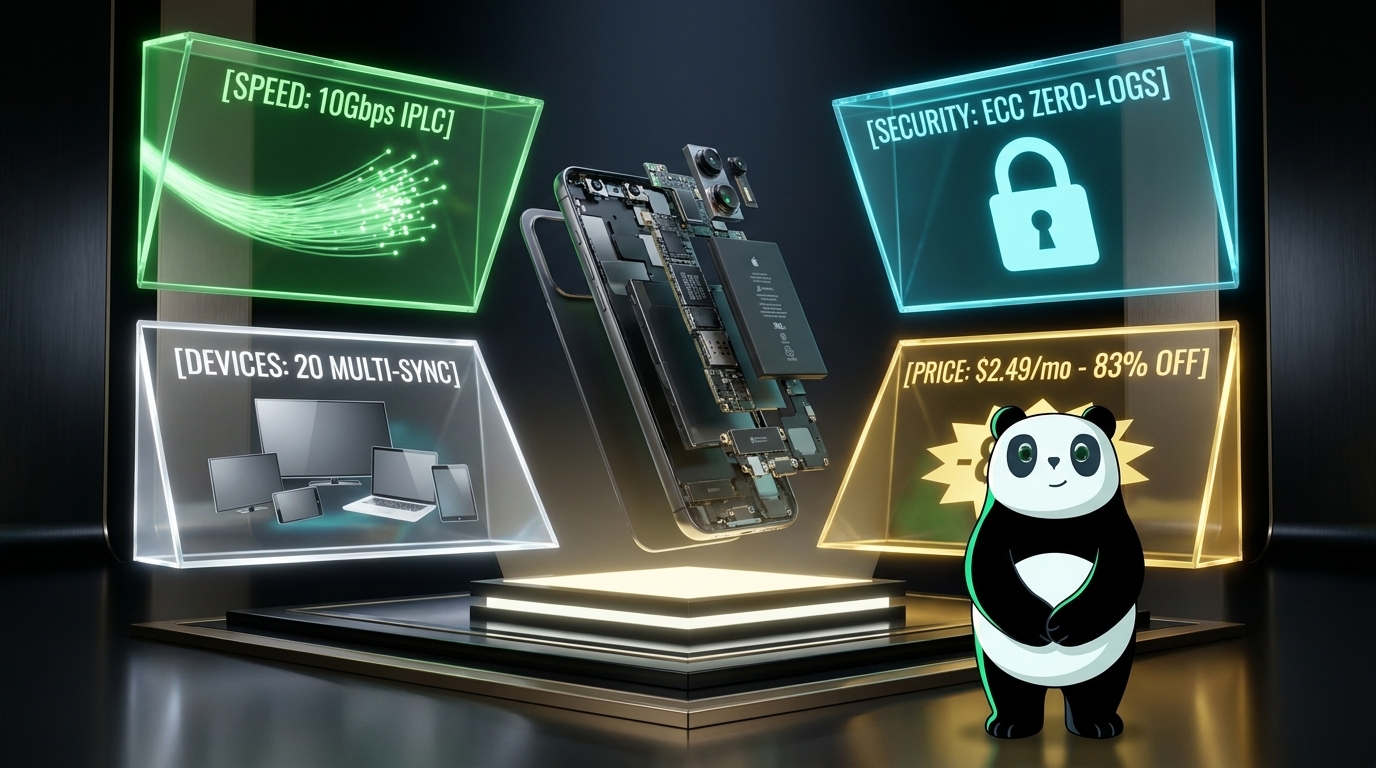
PandaVPN provides access to 6,000+ servers across 100 countries, with high-speed servers supporting bandwidth of up to 10Gbps.
This extensive network helps users find a suitable connection closer to their destination and enjoy smoother performance for activities such as HD streaming, social media, web browsing, downloads, and online gaming.
Optimized for Streaming and Gaming
A VPN on your phone is not only about security.
Mobile users increasingly rely on smartphones for entertainment, from watching Netflix and other streaming platforms to playing competitive online games. Network congestion and inefficient routing can cause buffering, latency, or unstable connections.
PandaVPN provides optimized routes and dedicated gaming resources designed to deliver a more stable experience for demanding online activities.
For gamers, lower latency can make a noticeable difference in fast-paced games. For streaming users, a reliable route can help reduce unnecessary buffering and connection interruptions.
Split Tunneling for Flexible Mobile Connections
Not every app on your phone needs to use a VPN connection.
With Split Tunneling, you can choose which apps use the VPN and which apps connect directly through your normal network.
For example, you might route your browser or streaming app through PandaVPN while allowing another app to maintain a direct connection. This gives you more control over how your mobile traffic is routed and can help optimize your overall connection.
Kill Switch for Added Protection
A VPN connection can occasionally drop due to network changes, switching between Wi-Fi and mobile data, or temporary server issues.
PandaVPN’s Kill Switch feature is designed to help prevent your device from continuing to send traffic outside the protected VPN connection if the VPN unexpectedly disconnects.
This is particularly useful when privacy and connection protection are more important than maintaining uninterrupted internet access.
Can a VPN Slow Down Your Phone?
A common concern is that using a VPN will automatically make your phone slower.
The answer is not necessarily.
VPN performance depends on factors such as server distance, network congestion, VPN protocol, routing quality, and the quality of the VPN provider’s infrastructure.
PandaVPN uses high-speed servers, optimized routing, IPLC infrastructure, and acceleration technology to minimize unnecessary latency and maintain a smooth mobile connection.
Choosing a nearby or appropriately optimized server can further improve performance.
Is a VPN Worth It on Mobile Data?
You might assume that a VPN is only necessary when using public Wi-Fi. However, mobile users can also benefit from VPN protection when connected through cellular networks.
Your mobile carrier can still see network-level information about your connection, while websites and online services can identify your public IP address.
A VPN adds another privacy layer by encrypting your traffic between your device and the VPN server and masking your normal public IP address.
That does not make you completely anonymous online, but it can significantly improve the privacy of your internet connection.
One VPN for Your Phone and Other Devices
Your digital life rarely stays on one device.
You may use an Android phone during the day, a laptop for work, a tablet at home, and a smart TV for entertainment. Instead of managing separate VPN services, PandaVPN supports multiple platforms through dedicated applications.
PandaVPN is available for Android, iOS, Windows, macOS, Linux, and smart TVs, allowing you to protect your devices across different platforms.
Depending on your subscription, you can connect up to 20 devices simultaneously under one account.
So, Do You Really Need a VPN on Your Phone?
You don’t necessarily need a VPN every time you use your smartphone. But if you frequently connect to public Wi-Fi, travel internationally, use streaming services, play online games, or simply want greater control over your online privacy, a mobile VPN can be a valuable security upgrade.
The key is choosing a VPN that offers more than just encryption.
PandaVPN combines advanced VPN protocols, a No-Logs policy, IPLC connectivity, high-speed 10Gbps servers, 6,000+ servers in 100 countries, Split Tunneling, Kill Switch, and multi-device support to provide a balance of privacy, security, speed, and flexibility.
Whether you’re browsing at a coffee shop, streaming while traveling, gaming on your phone, or simply using your favorite apps at home, PandaVPN helps you stay connected with greater privacy and fewer network limitations.
Protect your mobile connection. Browse with confidence. Stay connected wherever you go with PandaVPN.
Get PandaVPN and take your mobile privacy to the next level.

Related Posts

Featured Posts