

How to Choose a VPN for Valorant: Why PandaVPN is the Ultimate Choice for Competitive Gamers
 Sharon
 2026.11.01
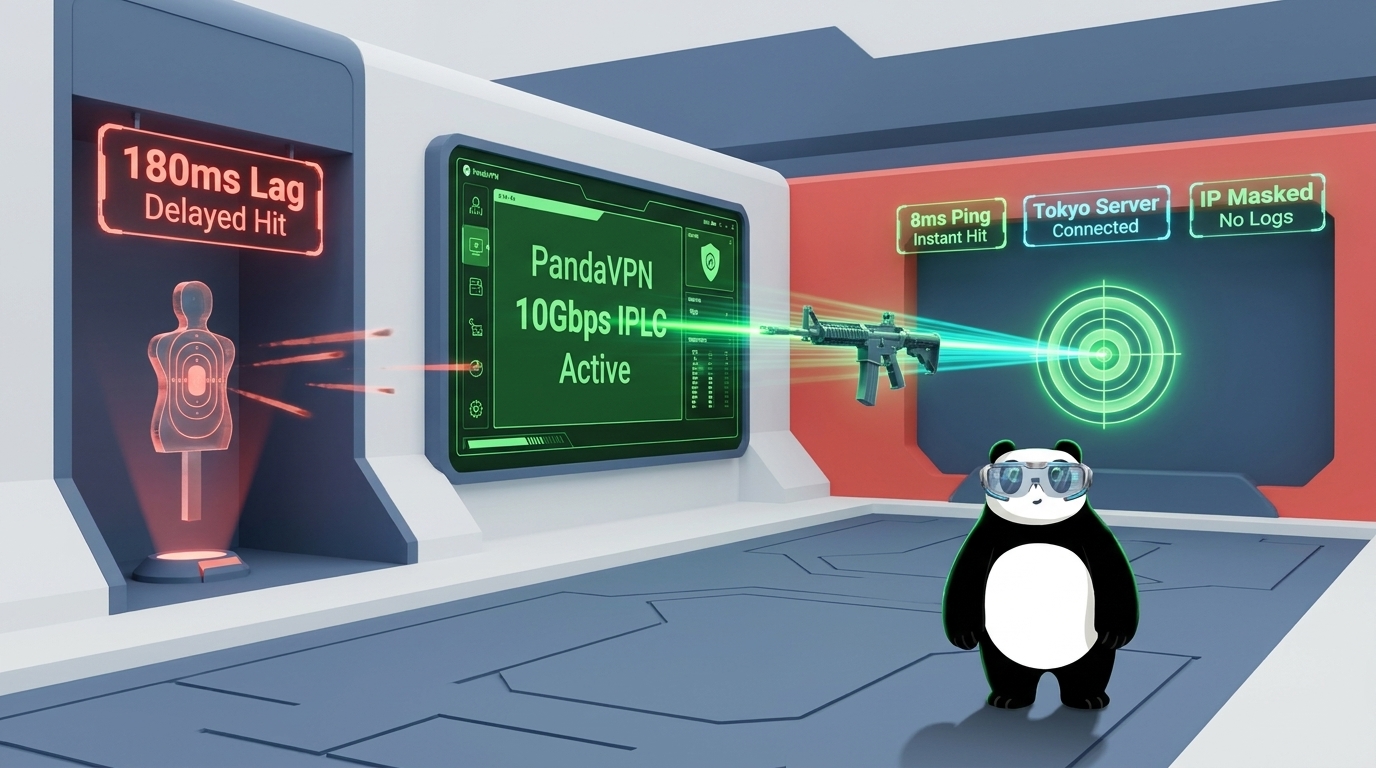
In Valorant, winning a gunfight can come down to a fraction of a second. Even if your aim is sharp and your game sense is on point, unstable ping, sudden latency spikes, and packet loss can put you at a serious disadvantage. These network issues become especially frustrating when you’re competing in ranked matches, connecting to distant servers, or playing with friends in another region.
A gaming VPN may help address some of these challenges by changing your network route, protecting your real IP address, and giving you more flexibility when connecting to international networks. However, not every VPN is suitable for a competitive FPS game. The right choice should prioritize connection stability, efficient routing, reliable security, and ease of use rather than simply advertising high speeds.
So, what should you look for when choosing the best VPN for Valorant? Let’s explore the essential features and see how PandaVPN fits the needs of competitive gamers.

1. High-Speed Servers and Intelligent Routing for Lower Ping
In a competitive shooter, a fast internet connection doesn’t always guarantee low latency. Your ping also depends on the physical distance between you and the game server, the route your traffic takes, network congestion, and the quality of your internet service provider’s infrastructure.
A poorly routed connection can sometimes introduce unnecessary delays, particularly when connecting to international game servers. This is why server infrastructure and routing optimization should be among your top priorities when choosing a Valorant VPN.
How PandaVPN Helps: PandaVPN provides over 6,000 servers across 232 locations in 102 countries, including ultra-fast 10Gbps servers. Its patented connection acceleration technology and IPLC (International Private Leased Circuit) lines are designed to improve connection efficiency and provide alternative routing options.
Depending on your location and network conditions, connecting through a suitable VPN server may help reduce routing-related latency or improve connection consistency. For players experiencing unstable routes to international destinations, testing different server locations can help identify a more reliable connection.
Keep in mind that a VPN cannot guarantee lower ping in every situation. The best approach is to compare your usual connection with several nearby or relevant VPN nodes and choose the route that delivers the most consistent results.
2. Global Server Coverage for Cross-Region Valorant Gaming
Playing Valorant across regions can be more complicated than simply selecting a different country. Players may want to join friends overseas, explore another regional gaming environment, or find a connection route that works better with their preferred game server.
However, a VPN’s server location and your in-game matchmaking region are not necessarily the same thing. Your Riot account, game-region settings, and Riot’s matchmaking policies can affect which servers you can access. A VPN changes your network connection, but it does not automatically transfer your account to another region or guarantee access to a particular matchmaking pool.
How PandaVPN Helps: With a global network spanning 102 countries, PandaVPN gives players more connection locations to test when dealing with international routing issues.
For example, if you’re in Southeast Asia and want to connect through Japan, you can try an appropriate Japanese VPN node before launching the Riot Client. Compare the resulting in-game ping, packet loss, and connection stability to determine whether the alternative route offers a genuine improvement.
This flexibility can be useful for players connecting to friends abroad or troubleshooting inconsistent international connections. Nevertheless, the closest VPN server isn’t always the fastest option, and your final experience will depend on the route between your device, the VPN server, and the game server.
Tip: Before choosing a Valorant VPN server, check your available in-game server options and test your connection in a practice session. Stable latency is generally more valuable than a low ping reading that fluctuates throughout a match.
3. IP Protection and Network Security Against Unwanted Disruptions
Competitive gaming involves more than reaction time and strategy. Protecting your connection and personal information is also important, especially when communicating with unfamiliar players, joining third-party gaming communities, or connecting through public Wi-Fi.
In some circumstances, exposing your public IP address may make your network more vulnerable to unwanted attention or targeted traffic. A VPN can help reduce this exposure by routing your internet traffic through a VPN server rather than revealing your usual public IP address to every destination you connect to.
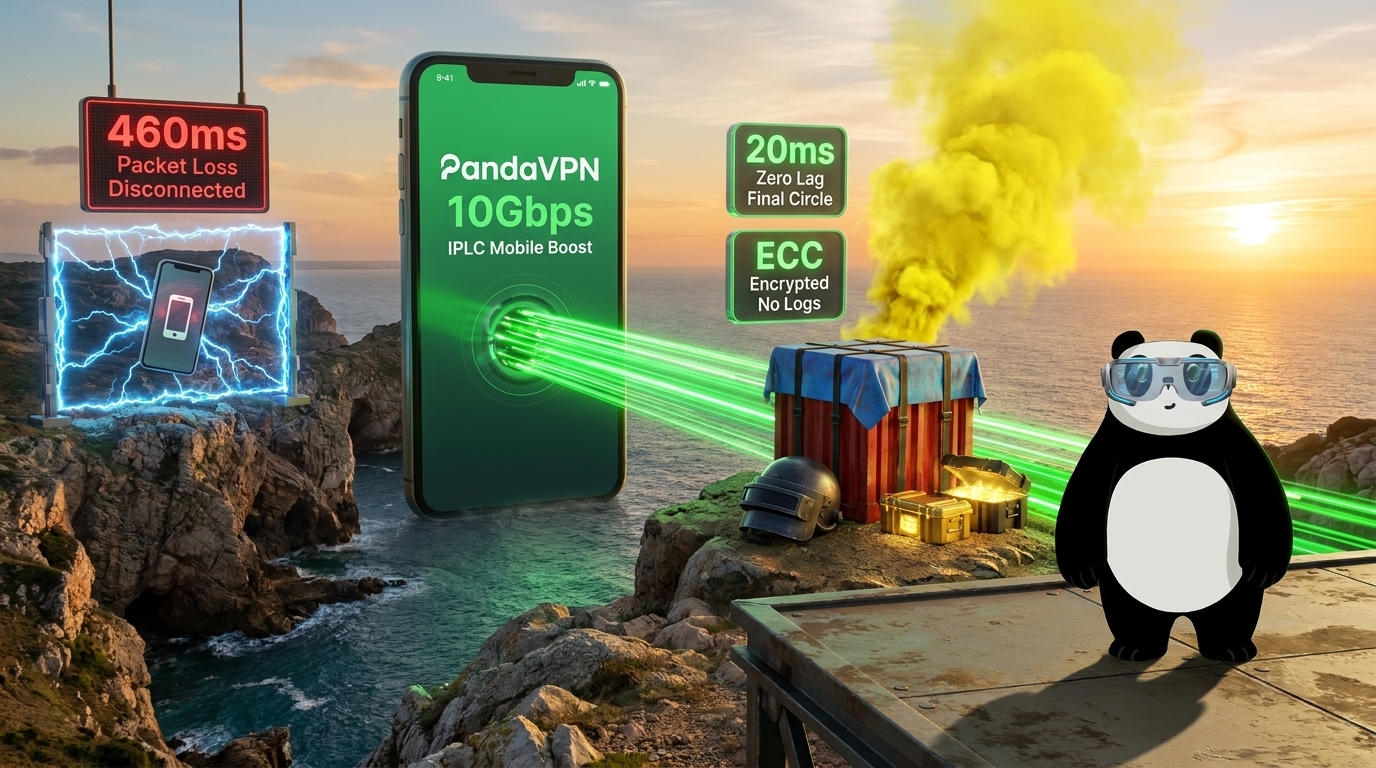
How PandaVPN Helps: PandaVPN encrypts your internet traffic and masks your real public IP address behind the VPN server’s IP. Its ECC (Elliptic Curve Cryptography) technology supports secure encryption, helping protect your data against interception on untrusted networks.
This protection can be particularly useful when gaming on shared Wi-Fi or browsing gaming-related websites outside your home network. By concealing your usual public IP address from destinations that see the VPN connection, a VPN may also reduce certain forms of direct IP-based exposure.
However, a VPN is not a complete defense against every type of DDoS attack. It cannot prevent attacks against the VPN server itself, guarantee uninterrupted gameplay, or eliminate threats involving compromised accounts and malicious software. For the best protection, combine a VPN with strong account security, multifactor authentication where available, and sensible online privacy practices.
4. A Strict No-Logs Policy for Better Online Privacy
Gaming accounts often contain more personal information than players realize, including account identifiers, purchase histories, and communication records. Meanwhile, some free VPN services may collect extensive user information or rely on advertising to support their operations.
When evaluating a VPN, look beyond connection speed and consider what happens to your data while you’re connected. A clearly stated privacy policy should explain what information the provider collects, how it is used, and whether browsing activity is retained.
How PandaVPN Helps: PandaVPN promotes a strict no-logs policy designed to protect users’ online privacy. According to its stated policy, browsing activity and other sensitive connection information are not recorded as part of its logging practices.
For Valorant players, this adds another layer of privacy when browsing gaming communities, downloading updates, or accessing online services while connected to the VPN.
It’s worth reviewing the provider’s current privacy policy to understand the precise scope of its no-logs commitment, including any account, diagnostic, or operational information that may be collected. A VPN can help protect your network traffic, but its privacy benefits ultimately depend on the provider’s actual data-handling practices.
5. Multi-Platform Compatibility and Simple Setup
Many gamers use more than one device throughout the day. You might compete on a Windows gaming PC, browse gaming communities on a Mac, or use your phone to communicate with teammates. A VPN should fit into your existing setup without adding unnecessary configuration steps or making it difficult to switch between activities.
Ease of use matters, too. When you’re troubleshooting a connection before a ranked match, a straightforward interface can make it easier to test different server locations and reconnect when necessary.
How PandaVPN Helps: PandaVPN offers applications for Windows, macOS, iOS, Android, Linux, and Android TV, allowing users to protect compatible devices across different platforms.
Its one-click connection functionality simplifies the process of connecting to a VPN server, while support for multiple simultaneous device connections makes it practical for users who switch between devices.
Before subscribing, check the current device limit for your selected plan. If you intend to use PandaVPN on a gaming PC and several personal devices at the same time, confirm that your subscription supports your intended setup.
For PC players, the basic workflow is straightforward: install the appropriate PandaVPN client, connect to a suitable server, launch the Riot Client, and test your in-game connection. If your ping becomes less stable after connecting, try another node or disconnect from the VPN to compare the results.
Improve Your Valorant Connection with PandaVPN
Choosing a VPN for Valorant is about more than finding a provider with the largest server network or the highest advertised speed. Competitive players should focus on consistent latency, efficient routing, flexible server locations, reliable privacy protection, and a client that’s easy to use.
PandaVPN combines a global server network of over 6,000 servers across 232 locations in 102 countries with 10Gbps server infrastructure, patented acceleration technology, and IPLC lines. Its encryption features, stated no-logs policy, and multi-platform applications provide additional benefits for players who want more control over their internet connections.
Whether you’re troubleshooting an unstable route, connecting with friends overseas, or looking for an additional layer of IP privacy, PandaVPN is worth considering as part of your gaming setup.
Ready to test a different route for Valorant? Visit the official PandaVPN website, explore the available plans, and test suitable server locations to see whether they improve your connection. The right setup can help you make the most of your network without compromising the responsiveness that competitive gaming demands.
FAQ
Does a VPN reduce ping in Valorant?
A VPN may reduce ping if it provides a more efficient route to the game server than your usual internet connection. However, it can also increase latency. Results depend on your location, ISP routing, VPN server, and the distance to the Valorant game server.
Can I use a VPN to play Valorant on Japan servers?
A VPN can route your connection through a Japanese server, which may help you test alternative routes to Japan. However, connecting to a Japanese VPN server does not automatically change your Riot account region or guarantee access to Japanese matchmaking servers.
Is it safe to use a VPN while playing Valorant?
A VPN can encrypt your internet traffic and mask your public IP address, providing additional network privacy. However, it does not protect against every online threat. Players should also secure their Riot accounts and review Riot Games’ current policies before using a VPN.
What should I look for in a Valorant VPN?
Prioritize stable connections, efficient routing, nearby server locations, reliable encryption, a transparent privacy policy, and an easy-to-use client. High advertised speeds alone do not guarantee lower ping or better in-game performance.
Is PandaVPN worth trying for Valorant?
PandaVPN offers a global server network, 10Gbps server infrastructure, patented acceleration technology, and IPLC lines. Players experiencing routing problems may find it useful to test different server locations and compare their ping and packet loss against their normal connection.

Related Posts

Featured Posts