

How to Test IP & DNS Leaks (2026 Guide): Make Sure Your VPN Is Actually Protecting You
 Sharon
  2026.04.05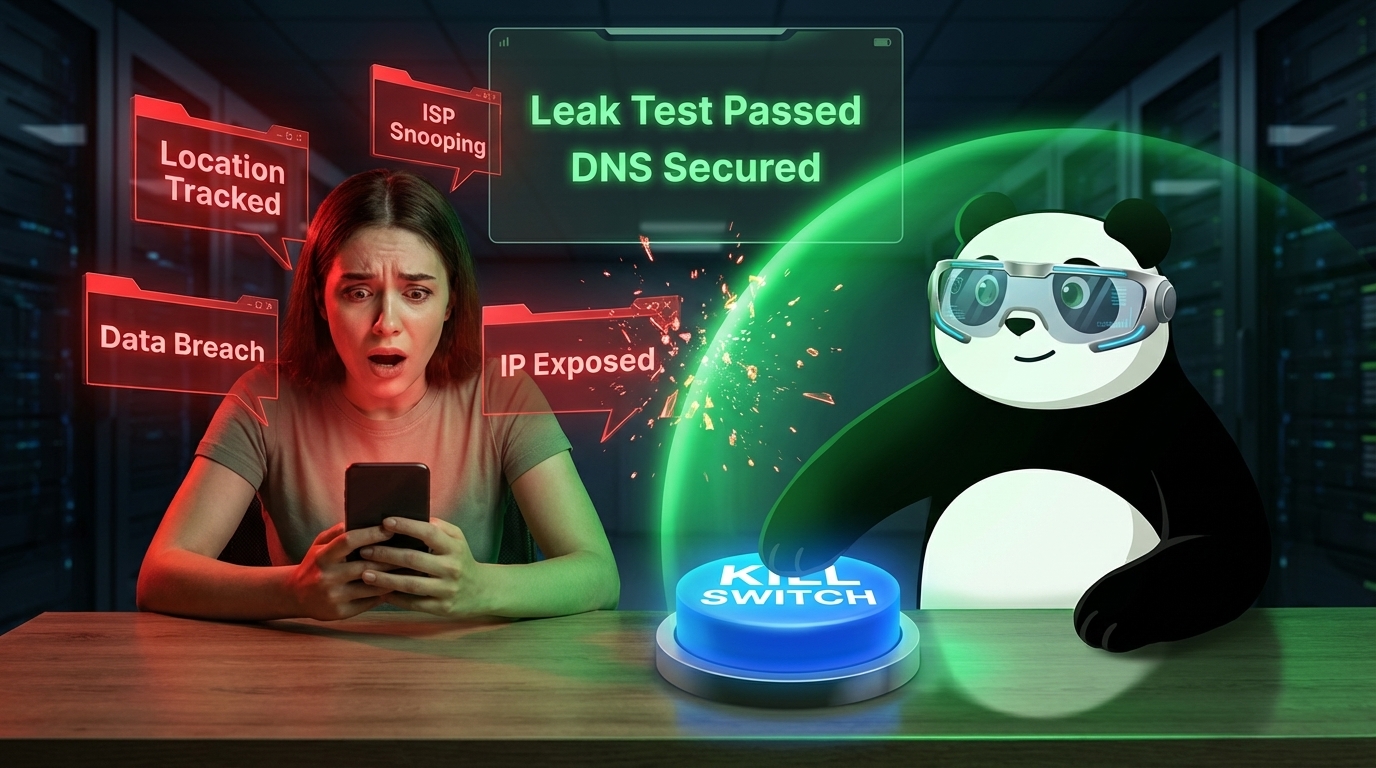
When you use a VPN, you’re trusting it with your real IP, browsing activity, and identity. But not all VPNs deliver real protection—some quietly leak your data through IP or DNS requests. Here’s a simple, effective way to verify if your VPN is truly secure—and why PandaVPN is built to pass every test.

The Two Most Common VPN Leaks
IP Leak
Your real IP becomes visible to websites even when the VPN is connected—usually caused by unstable tunneling or misconfigured routing.
DNS Leak
Your device sends website requests to your ISP instead of the VPN tunnel. Even if your IP is hidden, your browsing activity is exposed.
3-Step VPN Leak Test (Anyone Can Do It)
Step 1: Check Your Real IP (Before VPN)
Visit any IP checker and note:
-
Your IP address
-
Your ISP and location
Step 2: Connect to PandaVPN
Turn on PandaVPN and:
-
Enable Smart Mode or Global Mode
-
Connect to a server in another country
Step 3: Test Again (After VPN)
Refresh the IP test page:
-
✅ IP should change to the VPN location
-
❌ If your real IP appears → IP leak
Then run a DNS leak test:
-
✅ Only VPN server locations should appear
-
❌ If your ISP shows up → DNS leak
Why PandaVPN Passes Leak Tests by Default
1. Encrypted Tunnel with ECC Technology
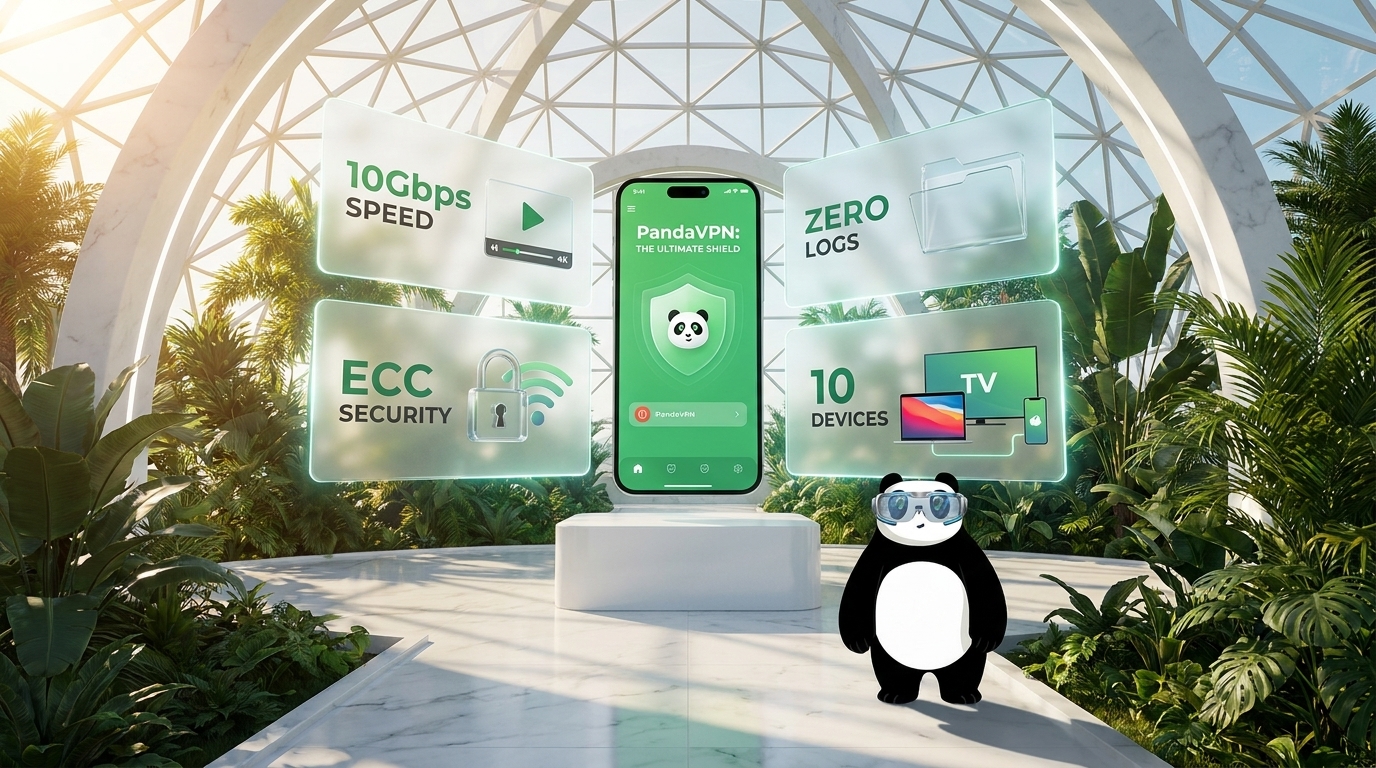
PandaVPN uses Elliptic Curve Cryptography (ECC) to fully encrypt traffic—including DNS requests—making them unreadable and untraceable.
2. Built-in Private DNS System
Unlike many VPNs, PandaVPN routes DNS queries through its own encrypted DNS servers, not your ISP. This eliminates DNS leaks entirely.
3. Kill Switch Protection
If the VPN connection drops, PandaVPN instantly blocks all internet traffic—preventing accidental IP exposure.
4. Smart Routing (No Misconfigured Traffic)
Smart Mode ensures all sensitive traffic is forced through the VPN tunnel, avoiding split-routing mistakes that often cause leaks.
5. Anonymous Account System
No email required. You get a Digital ID, meaning your VPN usage cannot be linked back to your identity.
Quick Self-Check (What “Secure” Looks Like)
After connecting to PandaVPN:
-
IP location ≠ your real country
-
ISP name ≠ your local provider
-
DNS servers ≠ your ISP
-
No traffic leaks during reconnect
If all four pass—you’re fully protected.
Why This Matters in 2026
With increasing tracking, fingerprinting, and surveillance, even a small leak defeats the purpose of a VPN. A “connected” VPN doesn’t always mean a secure VPN—you need one designed to prevent leaks at the protocol level.
PandaVPN currently protects 100M+ users worldwide with:
-
Advanced obfuscation + anti-DPI
-
Zero DNS/IP leak architecture
-
High-speed global servers
2026 Offer:
12 Months + 12 Months Free (~$2.49/month)

Related Posts


Featured Posts