

How to Use a VPN to Watch Netflix Content from Different Regions
 Sharon
  2026.10.01
Ever logged into Netflix while traveling—or even from home—only to discover that your favorite TV series or movie is unavailable?
You’re not imagining it. Netflix offers different content libraries in different countries because streaming rights are often negotiated on a regional basis. A movie available on Netflix US may not be included in Netflix Japan, the UK, or another market.
A VPN can help you change the apparent location of your internet connection by routing your traffic through a server in another country. With PandaVPN, you can connect to servers around the world and enjoy a more flexible streaming experience wherever you are.
Note: Netflix availability varies by country and changes frequently. Netflix may also restrict access when it detects VPN or proxy traffic, so a particular VPN server may not always provide access to a specific regional catalog.

Why Does Netflix Have Different Libraries in Different Countries?
The Netflix catalog isn’t identical worldwide. When you travel abroad, you may notice that certain shows disappear while other titles become available.
There are two main reasons for this.
Regional Licensing Agreements
Movies and TV shows are typically licensed for specific territories. A studio may grant streaming rights for a particular title to different platforms or broadcasters in different countries.
As a result, Netflix may have the rights to stream a series in the United States but not in another country. The same title can therefore be available in one Netflix library and absent from another.
IP-Based Location Detection
Netflix can use your internet connection’s public IP address to determine the general region you’re connecting from.
For example, if your IP address indicates that you’re in the United States, Netflix may provide the catalog associated with the US market. When you travel to Japan, your connection may receive a different regional catalog.
A VPN works by routing your internet traffic through a VPN server in another location. This can make your connection appear to originate from the VPN server’s location rather than your original IP location.
How to Use PandaVPN for Different Netflix Regions
Setting up PandaVPN for streaming is straightforward. Follow these steps to get started.
1. Download and Install PandaVPN
Download PandaVPN on your preferred device.
PandaVPN supports a wide range of platforms, including Windows, macOS, iOS, Android, Linux, Apple TV, and Android TV, making it easy to protect and manage your connection across your devices.
2. Launch PandaVPN and Sign In
Open the PandaVPN app and log in to your account.
The simple interface makes it easy to find a server and establish a VPN connection without complicated configuration.
3. Choose a Server in Your Preferred Country
PandaVPN offers 6,000+ servers across 100 countries, giving you a wide selection of international connection locations.
If you’re looking for content associated with a particular market, select a server in that country. For example, you could try a US server when looking for Netflix content available in the US market, or a Japan server for Japanese content.
Server availability and streaming access can vary, so you may need to try another server in the same country if your selected connection isn’t working with Netflix.
4. Connect to the VPN
Click Connect to establish an encrypted VPN connection.
Once connected, your internet traffic is routed through the selected VPN server, and websites will generally see the VPN server’s public IP address instead of your original IP address.
For streaming, PandaVPN also offers optimized network routes designed to provide a smoother connection to supported streaming services.
5. Open Netflix and Check the Available Content
After connecting, open or refresh Netflix and search for the title you want to watch.
If the title isn’t available, the selected server may not currently provide access to that Netflix catalog. Try disconnecting and connecting to another server in the same country.
Netflix’s catalog and VPN detection systems can change over time, so no VPN can guarantee access to every title or regional library at all times.
Why Use PandaVPN for Netflix Streaming?
Choosing a VPN for streaming isn’t just about the number of server locations. Connection quality, routing, speed, and device compatibility can all affect your viewing experience.
PandaVPN combines a global server network with streaming-focused network technology to provide a more reliable VPN experience.
6,000+ Servers Across 100 Countries
With 6,000+ servers across 100 countries, PandaVPN provides a broad selection of international connection locations.
Whether you’re traveling overseas or simply need a connection through another country, you can switch between available locations directly from the PandaVPN app.
Optimized Streaming Routes
Streaming quality depends heavily on network routing. A VPN connection that takes an inefficient route can result in higher latency, buffering, or inconsistent playback.
PandaVPN provides optimized streaming routes designed to improve connection efficiency when accessing supported streaming platforms. If one server doesn’t perform well, you can quickly switch to another available location.
10Gbps Servers and IPLC Technology
For high-resolution streaming, network speed and stability matter.
PandaVPN provides access to 10Gbps ultra-fast servers and uses IPLC (International Private Leased Circuit) technology on supported routes to help reduce latency and improve international connection stability.
Combined with PandaVPN’s patented acceleration technology, these network features are designed to provide a smoother experience for activities such as HD and 4K video streaming.
Actual streaming quality depends on factors including your local network, device, server load, and the streaming platform itself.
Modern VPN Protocols
PandaVPN supports modern VPN protocols, including WireGuard and OpenVPN, as well as additional connection modes designed for different network environments.
This gives users greater flexibility when choosing a connection based on speed, stability, and network compatibility.
Privacy-Focused Protection
Streaming is only one part of your online activity. A VPN can also help protect your internet traffic when you’re using public Wi-Fi or other untrusted networks.
PandaVPN uses ECC-based encryption technology to secure VPN traffic and follows a No-Logs policy designed to minimize the collection of users’ online activity data.
A VPN doesn’t make you completely anonymous online, but it can provide an additional layer of privacy by encrypting traffic between your device and the VPN server.
Connect Up to 20 Devices
If you have multiple devices at home, you don’t necessarily need a separate VPN subscription for every screen.
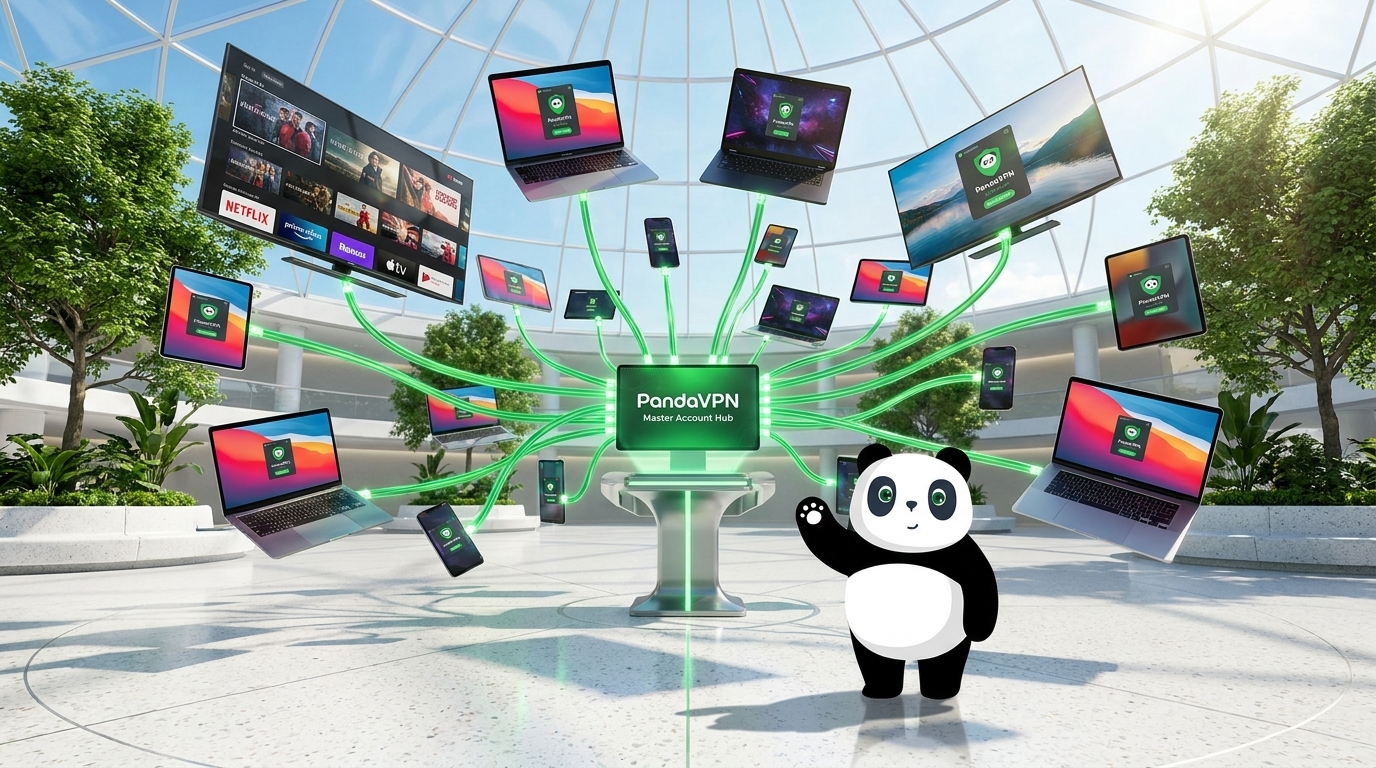
PandaVPN supports up to 20 simultaneous device connections under one account, allowing you to use the service across smartphones, computers, tablets, and compatible smart TV platforms.
Can a VPN Always Unlock Every Netflix Library?
No VPN can guarantee permanent access to every Netflix region.
Netflix actively manages its service and may identify and restrict certain VPN or proxy connections. In addition, licensing agreements change over time, which means a title available today may move to another service or disappear from a regional catalog later.
If Netflix doesn’t show the content you expected after connecting to PandaVPN, try the following:
- Connect to another server in the same country.
- Restart or refresh the Netflix app or browser.
- Clear cached Netflix data if necessary.
- Check whether the title is currently available in that region.
- Try a different PandaVPN connection protocol if your network is unstable.
These steps can help troubleshoot connection or location-detection issues, although access to a particular Netflix catalog cannot be guaranteed.
Enjoy a More Flexible Netflix Experience with PandaVPN
Netflix libraries vary because streaming rights are divided by territory, while your internet connection’s IP address can influence which regional service experience you receive.
A VPN can give you more flexibility by routing your connection through a server in another country. With 6,000+ servers across 100 countries, optimized streaming routes, 10Gbps servers, IPLC technology, modern VPN protocols, ECC encryption, and support for up to 20 devices, PandaVPN is designed to deliver a fast, flexible, and privacy-focused connection for streaming and everyday internet use.
Get PandaVPN and explore a more flexible way to connect to the internet wherever you are.

Related Posts


Featured Posts