

Is It Safe to Use AI Tools on Public Wi-Fi? Protect Your Data with PandaVPN
 Sharon
  2026.10.28
Working from a coffee shop, catching up on projects at an airport, or using an AI assistant in a hotel room has become increasingly common. With tools like ChatGPT, Claude, and Midjourney helping people write, research, code, and create digital content, public Wi-Fi makes it easier to stay productive wherever you go.
But convenience comes with a question worth considering: Is it safe to use AI tools on public Wi-Fi?
The answer depends on the security of your connection, the websites you visit, and the information you share. Modern websites typically use HTTPS encryption, which helps protect data exchanged with the service. However, public networks can still expose users to risks such as rogue hotspots, connection manipulation, and attempts to exploit vulnerable devices.
If your AI workflow involves personal information, business documents, or proprietary code, taking additional steps to secure your connection is particularly important. A VPN such as PandaVPN can add another layer of protection by encrypting traffic between your device and the VPN server.

The Hidden Security Risks of Public Wi-Fi
Public Wi-Fi is convenient, but you often have limited control over who operates the network, how it is configured, or whether another hotspot nearby is legitimate. Even networks protected by a shared password may offer limited separation between connected devices.
Understanding the most common risks can help you make safer decisions when using AI tools away from home.
Man-in-the-Middle (MitM) Attacks: In a man-in-the-middle attack, a malicious actor attempts to position themselves between two communicating parties to intercept or manipulate their traffic. Properly configured HTTPS helps protect communications with legitimate AI websites, but attackers may still exploit fake login pages, compromised devices, or other weaknesses.
Packet Sniffing: Network monitoring tools can capture traffic moving across a wireless network. When information is transmitted without adequate encryption, it may be possible to read sensitive data. HTTPS protects much of the content exchanged with modern websites, while a VPN adds encryption between your device and the VPN server, helping protect traffic across the local network.
Fake Hotspots and Phishing Pages: Not every network advertised as free public Wi-Fi is legitimate. Attackers can create hotspots with names resembling those of nearby businesses or redirect users toward fraudulent login pages. Connecting to a fake hotspot can expose you to phishing attempts and other security threats, particularly if you enter account credentials on an untrusted website.
Privacy and Network Monitoring: Public Wi-Fi operators may be able to observe certain connection details, depending on the network configuration and the encryption in use. They may, for example, see that your device is communicating with particular online services without necessarily being able to read the contents of HTTPS-protected sessions.
These risks matter when using AI assistants for work. Prompts may contain business information, research findings, customer details, or sections of source code. Although HTTPS already protects communications with properly configured AI services, a VPN provides an additional layer of network protection—especially when you are connected to an unfamiliar hotspot.
How PandaVPN Helps Protect Your AI Sessions
A secure AI workflow requires more than choosing a trusted AI platform. You should also consider how your device connects to the internet, particularly when using networks outside your control.
PandaVPN offers encrypted connections and a range of server locations designed to support everyday browsing, remote work, and other online activities. Here is how its features can help when you access AI tools over public Wi-Fi.
1. Protect Network Traffic with Encryption
When using public Wi-Fi, one of the main concerns is whether other parties on the same network can inspect your communications. A VPN creates an encrypted tunnel between your device and the VPN server, helping prevent local network observers from reading the protected traffic.
PandaVPN incorporates ECC (Elliptic Curve Cryptography) technology into its security offering. Encryption helps protect data in transit, including traffic associated with your online activities, while it travels through the VPN connection.
This can provide an additional layer of protection when you use ChatGPT, Claude, or other AI tools from a café, airport, hotel, or shared workspace. However, the strength of the overall protection depends on the VPN’s complete encryption implementation, not ECC alone.
Remember that a VPN does not make every part of an AI session private automatically. The AI provider may still process information you submit, and a VPN cannot prevent you from entering sensitive information into an untrusted service.
2. Support Your Privacy with a No-Logs Policy
When you use AI tools for professional or personal projects, you may want to limit the amount of information your VPN provider retains about your online activity.
PandaVPN promotes a strict No-Logs policy. This is an important consideration when evaluating a VPN service, particularly if you frequently work with online research tools, AI assistants, or cloud-based development platforms.
For a clearer understanding of your privacy protections, review the provider’s privacy policy to see what information is collected and how it is handled. You should also check the AI platform’s own privacy and data retention policies, since a VPN cannot determine how a service stores or processes the prompts and files you submit.
For sensitive work, avoid entering passwords, API keys, confidential customer records, or proprietary information into AI tools unless the service is approved to handle that data.
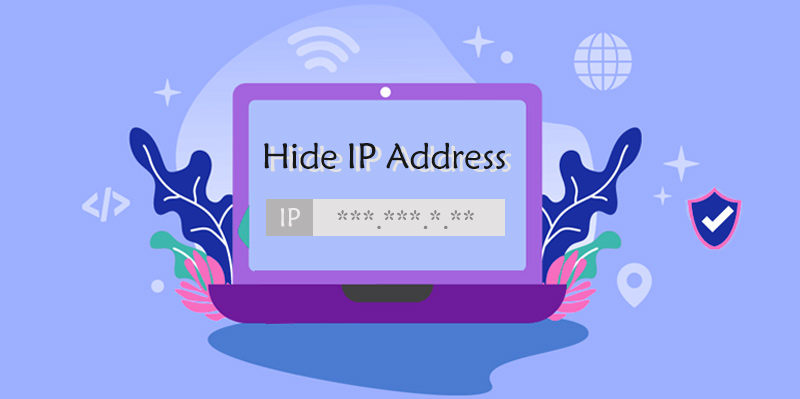
3. Hide Your Original IP Address
Your IP address can reveal information about your network connection and approximate location. Depending on your connection, it may also be visible to the websites and services you access.
When you connect through PandaVPN, your internet traffic is routed through a VPN server, so the destination website generally sees the VPN server’s IP address rather than your original public IP address.
This can reduce the amount of connection information exposed directly to the websites you visit and help limit what other parties on the local network can infer from your internet traffic.
However, IP masking is not the same as complete anonymity. Websites may still identify you through your account, cookies, browser fingerprint, or other information. A VPN should therefore be treated as one part of a broader online privacy strategy.
4. Maintain a Responsive Connection for AI Tasks
Security matters, but so does performance. When you use AI tools on the go, slow connections can interrupt file uploads, delay responses, or make it harder to work with image-generation and coding services.
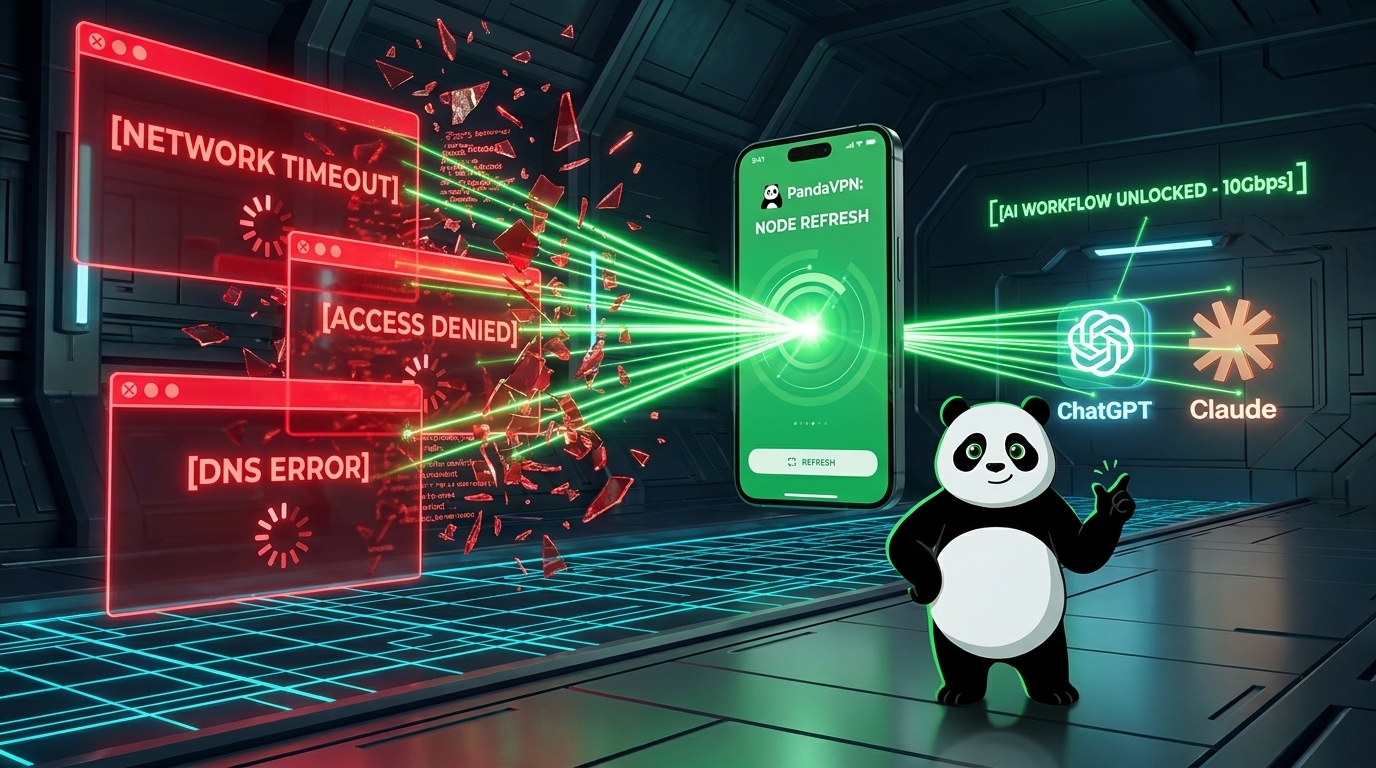
PandaVPN offers over 6,000 servers across 101 countries, along with patented connection acceleration technology, 10Gbps server infrastructure, and IPLC (International Private Leased Circuit) connectivity. It also offers unlimited bandwidth.
These features are designed to support high-speed connectivity for demanding online activities. Depending on your location and network conditions, choosing a suitable VPN server may help you establish a more stable connection.
Actual performance will vary with your internet connection, server distance, network congestion, and the AI platform itself. A VPN cannot guarantee zero latency or prevent every interruption, but comparing available server locations can help you find an option that works well for your needs.
Protect Your AI Workflow Wherever You Work
Public Wi-Fi makes it easier to stay productive while traveling, studying, or working remotely. But when your tasks involve AI assistants, online accounts, and sensitive information, it is worth taking a few precautions before connecting.
Use HTTPS websites, verify the identity of public hotspots, keep your device and browser updated, and enable multifactor authentication on important accounts. Avoid sharing confidential information with AI services unless their privacy and security practices meet your requirements.
For an additional layer of network protection, PandaVPN combines encrypted connections, IP address masking, a global server network, and support for multiple platforms. Whether you use Windows, macOS, iOS, or Android, you can choose a compatible application and establish a VPN connection before accessing your preferred AI tools.
According to the product specifications provided for this article, PandaVPN supports up to 20 simultaneous device connections with one account. Check the official website for current plan details and device compatibility.
Want to add another layer of protection to your AI workflow? Visit the official PandaVPN website to explore its features, download the version for your device, and find a plan that suits your needs.

Related Posts


Featured Posts